
Learn by playing
31 hands-on 3D models you can rotate, click and play with. Each one belongs to a session and has missions that guide you step by step. They work best on a computer with a mouse.
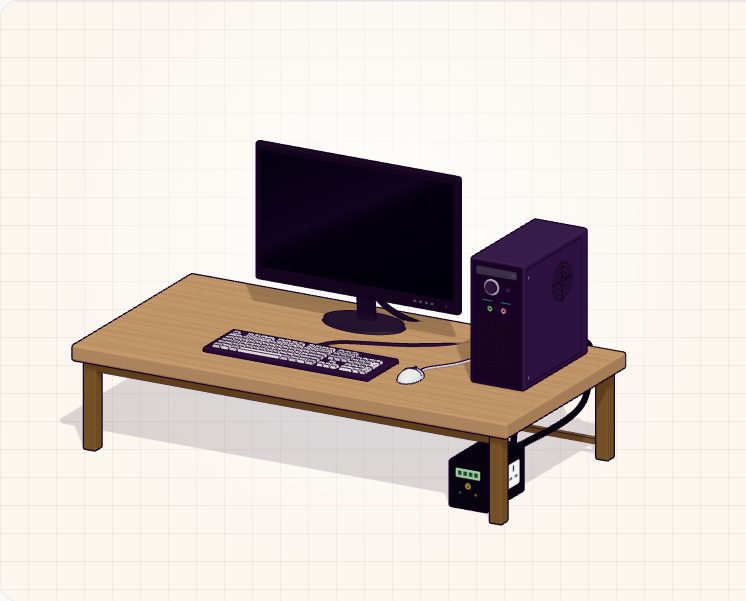 Session 1
🖥️ Explore the Computer
Click every part of a desktop and a laptop, power them on, and follow a key press from input to process to output.
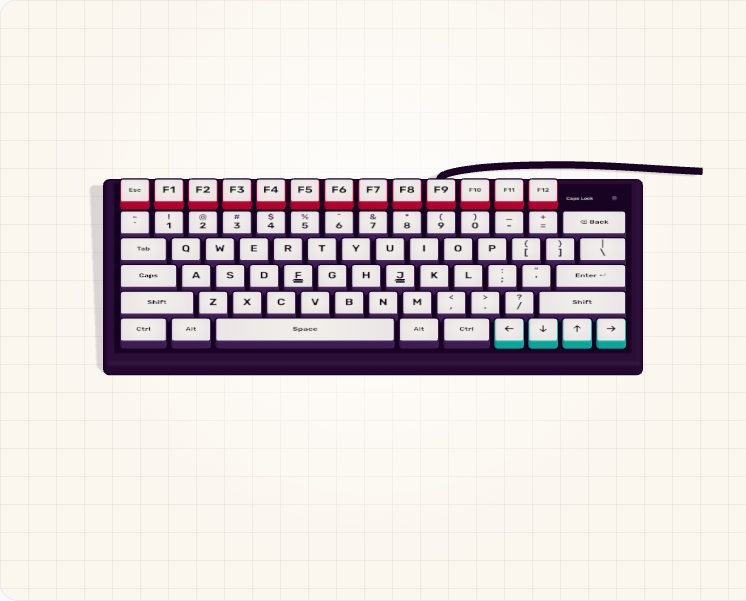 Session 2
⌨️ The Living Keyboard
Press real keys and watch the 3D keyboard respond. See the four zones and the finger map, then take the home-row drill.
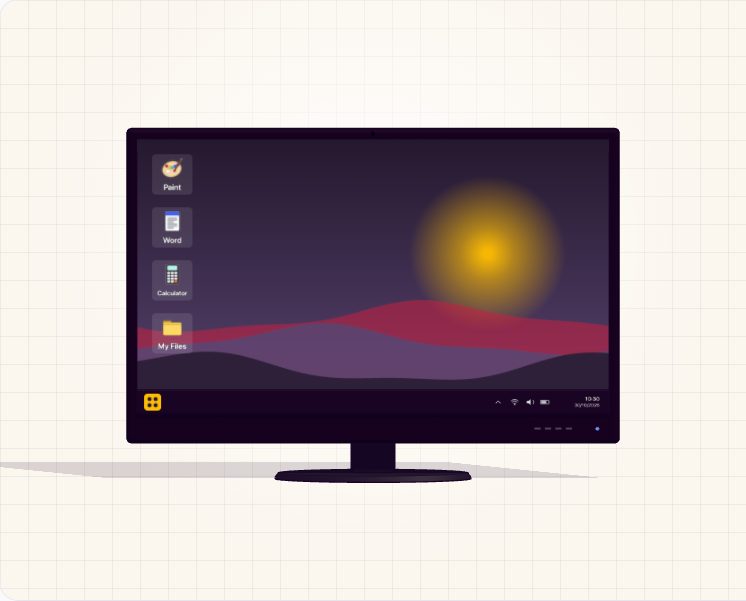 Session 3
🪟 Window Wrangler
Double-click icons to open programmes, then minimise, maximise, close and switch between windows on the taskbar.
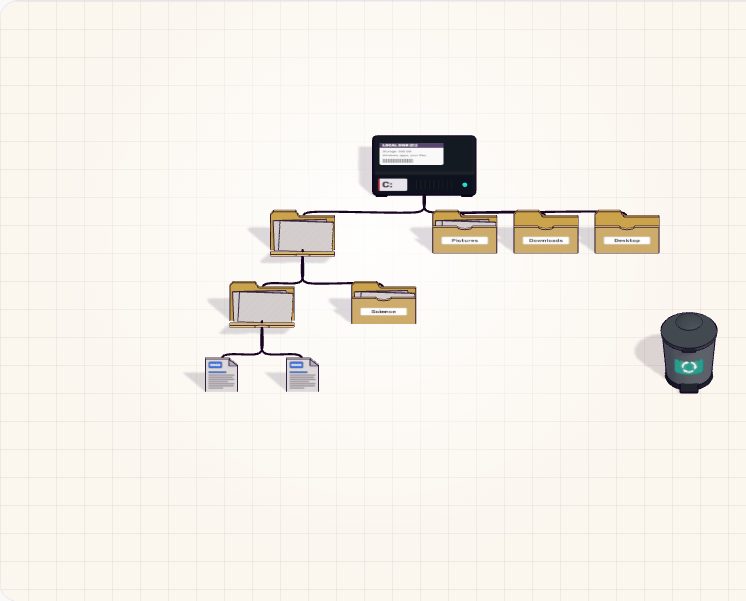 Session 4 · Session 5
📁 The Filing Tree
Walk from the drive down to a file. Copy, cut, rename and delete files, then rescue them from the Recycle Bin.
 Session 11 · Session 13 · Session 29
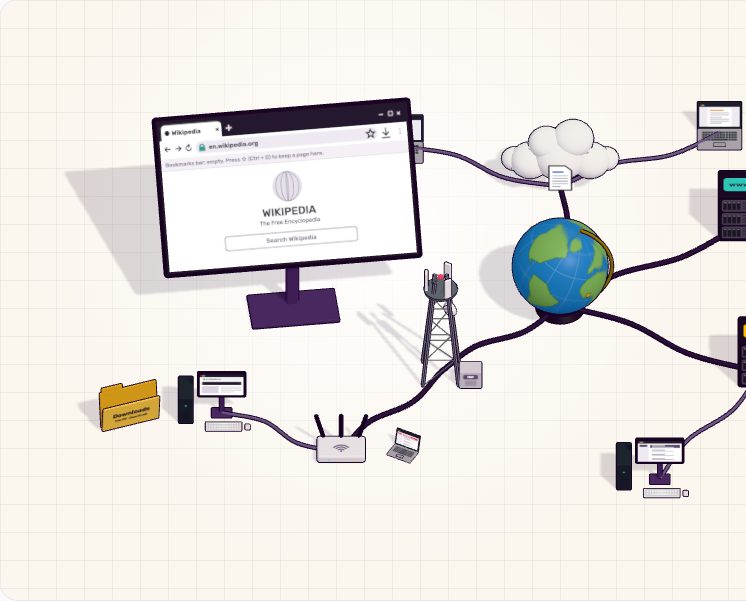
🌍 Internet Town
Send a web request (and see why HTTPS matters), follow an email through the digital post office, and co-edit a cloud document.
 Session 19 · Session 20 · Session 26
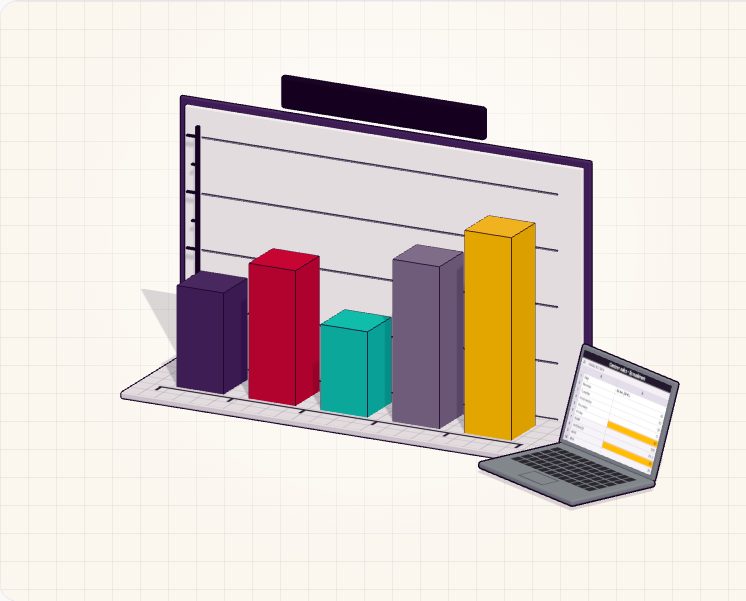
📊 3D Spreadsheet Charts
Type numbers into a mini spreadsheet and watch columns and pie slices grow, with SUM, AVERAGE, MAX and MIN updating live.
 Session 33
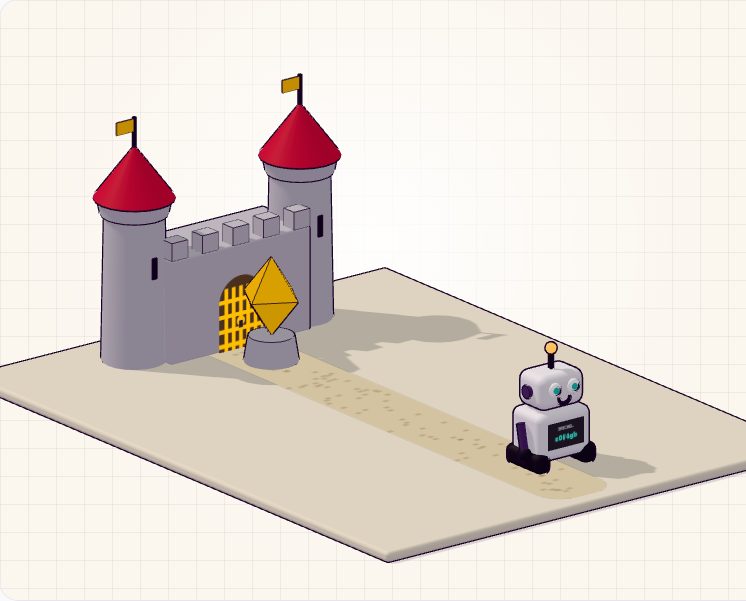
🛡️ Password Fortress
Build a wall of bricks with a practice passphrase, then send the guessing robot to see whether it can break in.
 Session 36 · Session 37 · Session 41
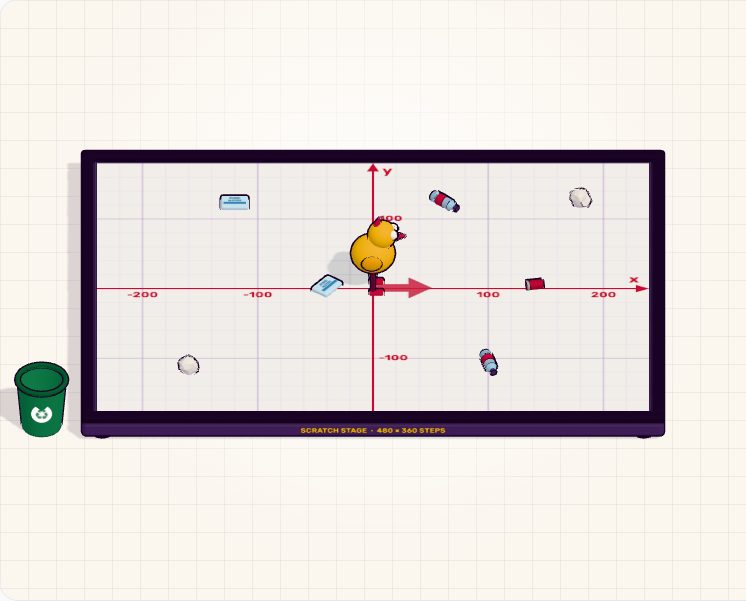
🤖 Code the Sprite
Snap together motion, loop and pen blocks, run them on an x/y stage, collect litter for points and debug step by step.
 Session 16 · Session 17 · Session 26
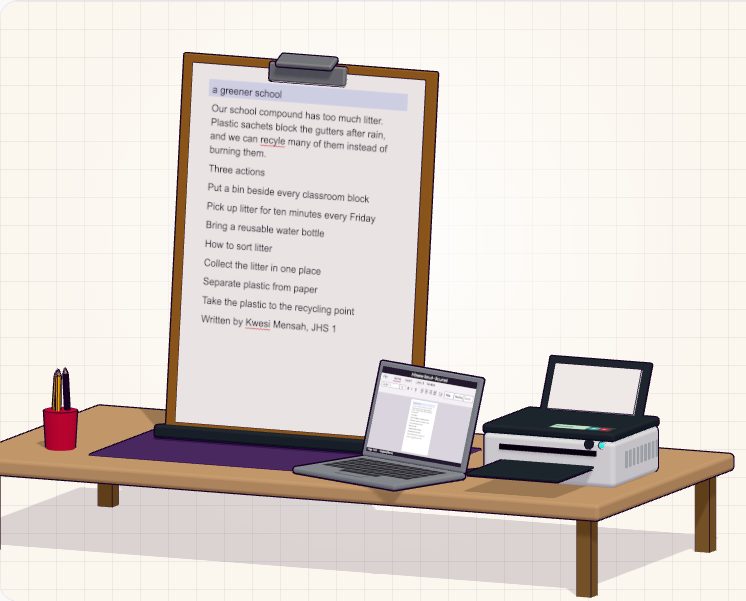
📝 Format a Real Document
Select paragraphs on a 3D page and use the ribbon: bold, sizes, alignment, bullets, numbering, heading styles, spell check, then print it on a 3D printer.
 Session 23 · Session 24
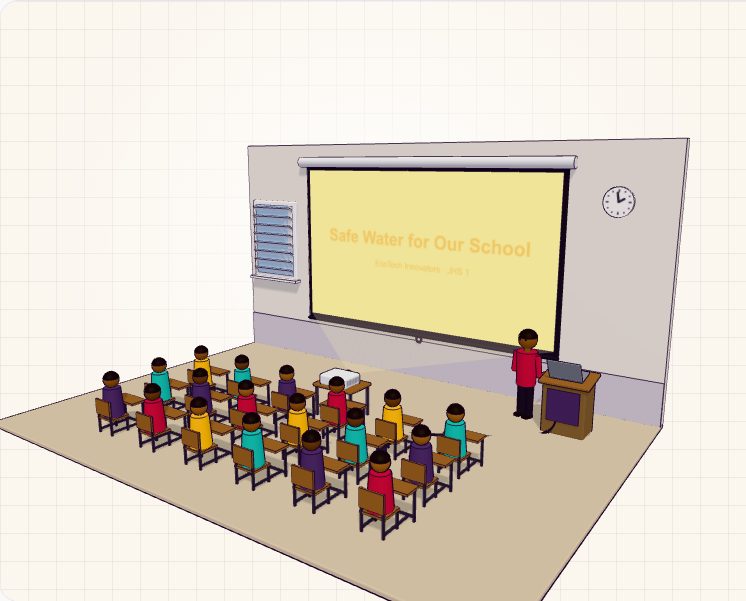
🎤 Slide Design & Show Time
Fix a badly designed deck (contrast, the 6-by-6 rule, a squished picture, carnival animations), then present it in a 3D classroom with real slide-show keys.
 Session 13 · Session 33
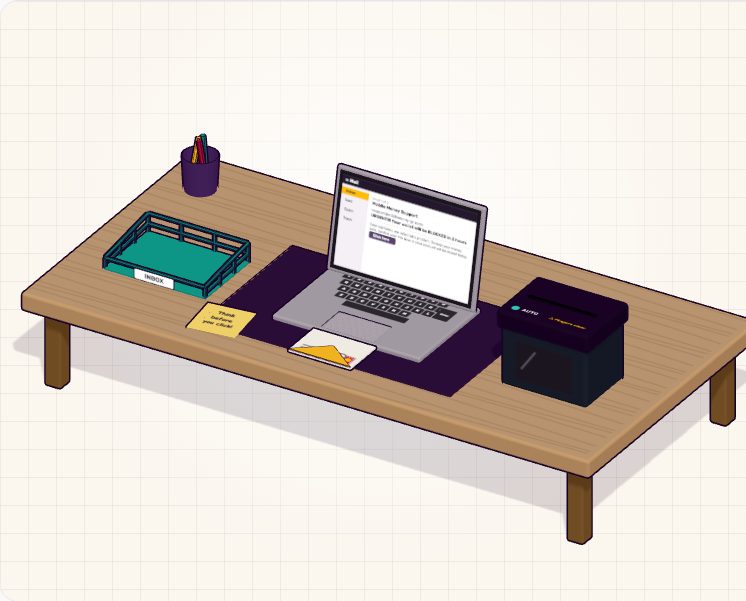
🎣 Spot the Phish
Emails land on your desk one by one. Check the sender, the subject and where the link really goes, then keep it or shred it.
 Session 39 · Session 41
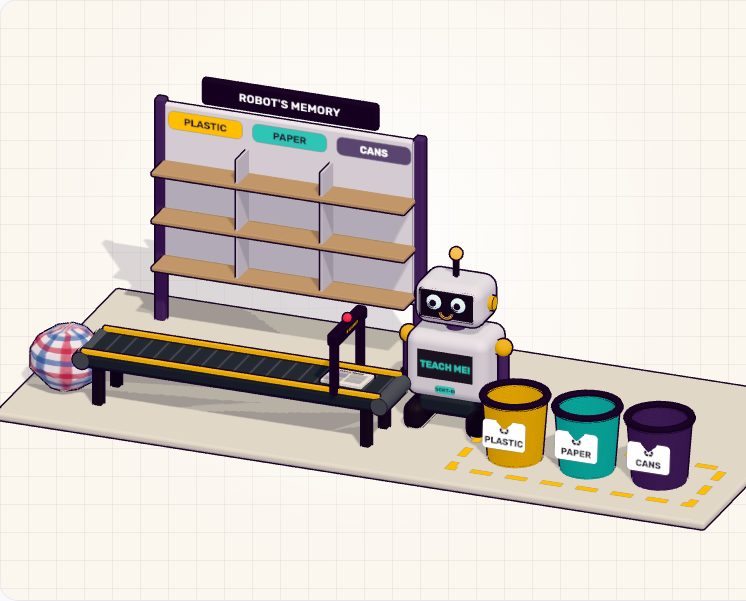
🧠 Teach the Robot
Show a recycling robot examples of plastic, paper and cans, then watch it sort things it has never seen. Give it bad examples and see how AI gets things wrong.
 Session 40
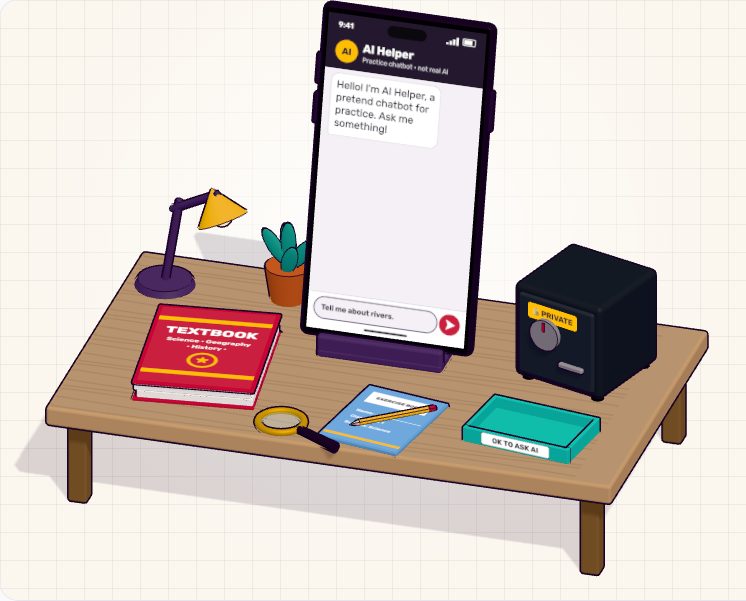
💬 AI Helper Check
Ask a pretend AI helper on a 3D phone. Build a clear prompt, catch its confident mistakes against a trusted source, and decide what you should never type into a chatbot.
 Session 6
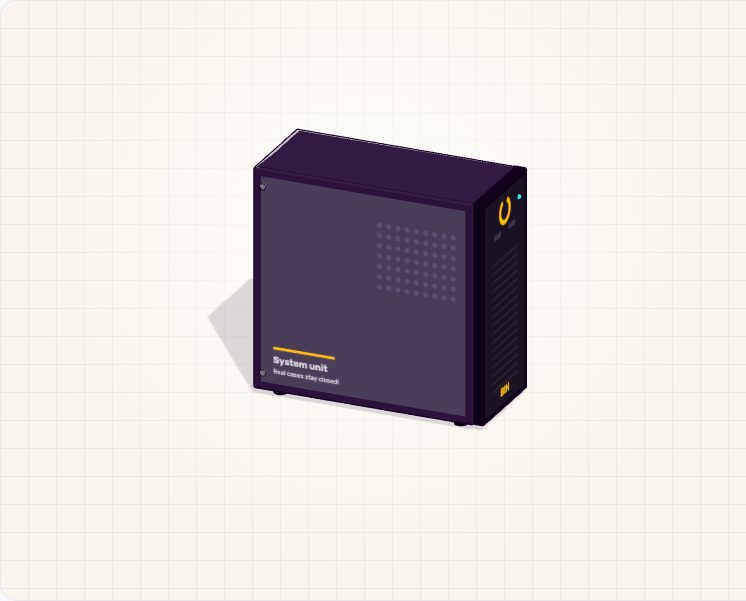
💾 Inside the Box
Open a system unit and lift out the processor, memory and storage. Then run a busy kitchen and see why too little memory makes a computer slow.
 Session 7 · Session 10
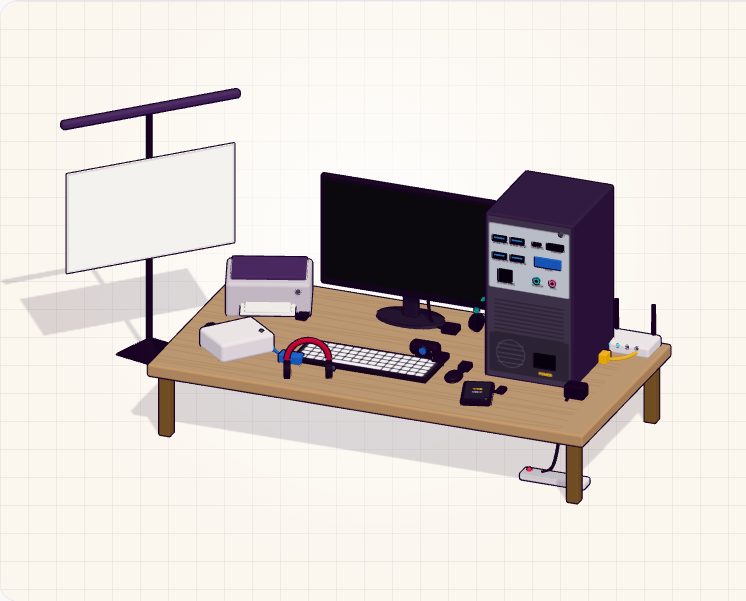
🔌 Plug It In
Connect a monitor, printer, headset, webcam and more to the right ports, pair a Bluetooth headset and set up a projector.
 Session 8
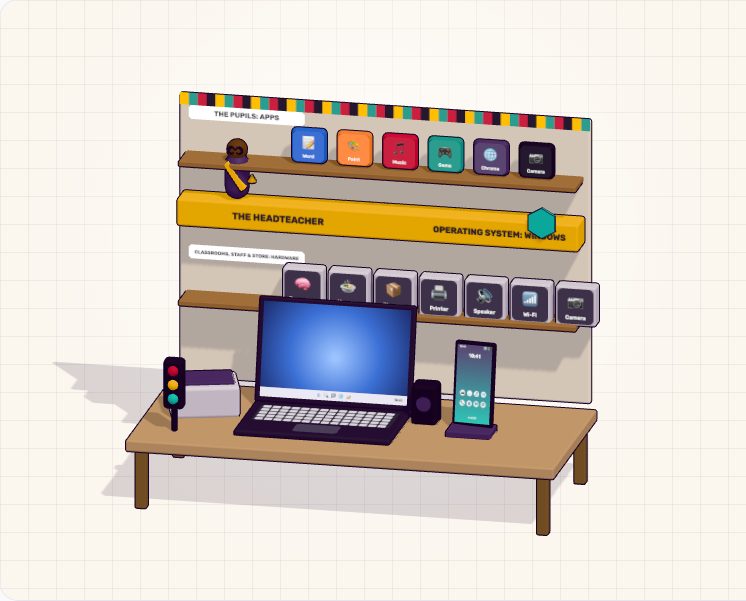
🗂️ The Headteacher's Office
See how the operating system sits between apps and hardware, switch a laptop between Windows, ChromeOS and Linux, and rescue a frozen app.
 Session 9 · Session 10
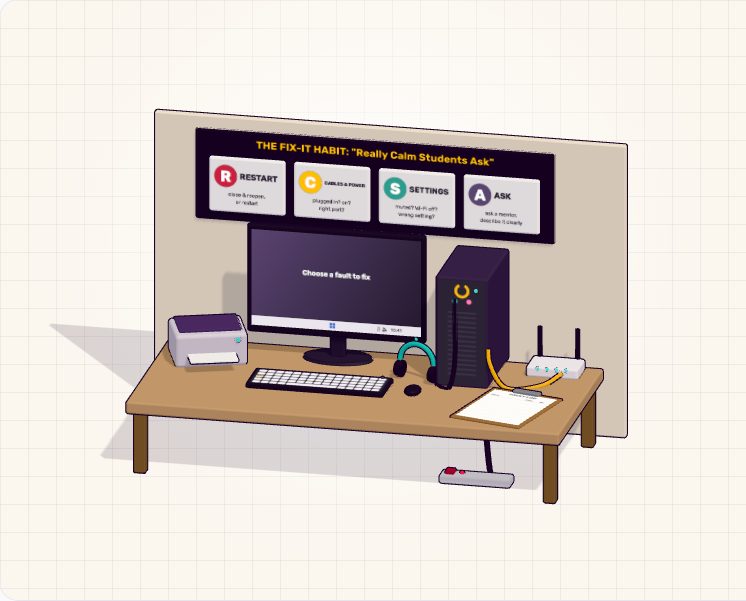
🛠️ Fix-It Workshop
A computer with problems: no sound, no internet, a frozen app, a full drive. Follow the fix-it habit to find and fix each one.
 Session 12 · Session 15
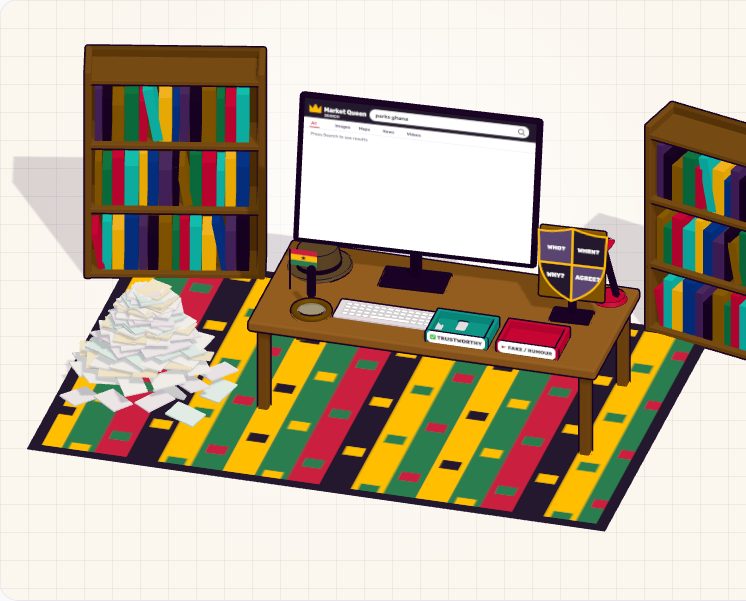
🔎 Search Detective
Narrow a mountain of results with smart keywords and operators, then pick the trustworthy sources from the fake ones.
 Session 14 · Session 15
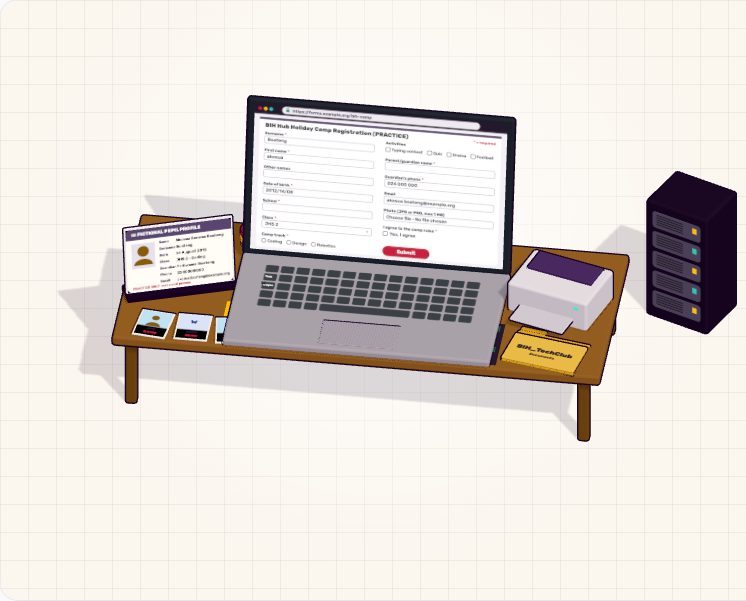
📋 Form Filler
Fill in a practice online application on a 3D laptop. Catch the mistakes before you press Submit, and save your confirmation.
 Session 18
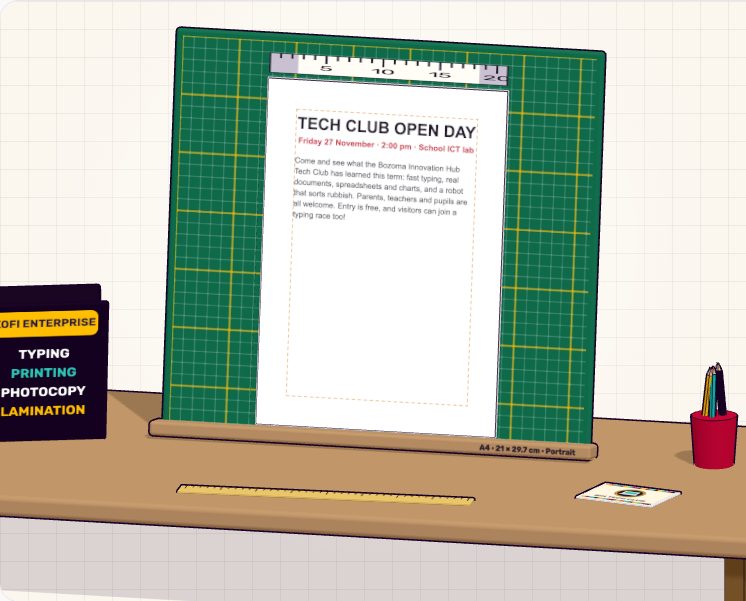
📰 Page Layout Studio
Lay out a real document: add a table and a picture, set margins and orientation, and add a header and footer.
 Session 21
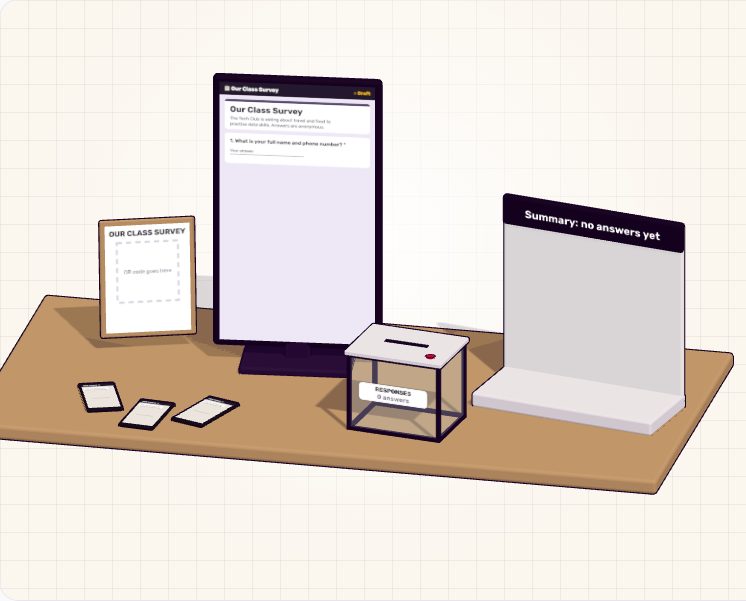
🗳️ Survey Builder
Build a survey with different question types, share it, watch answers arrive and see them turn into a chart.
 Session 22
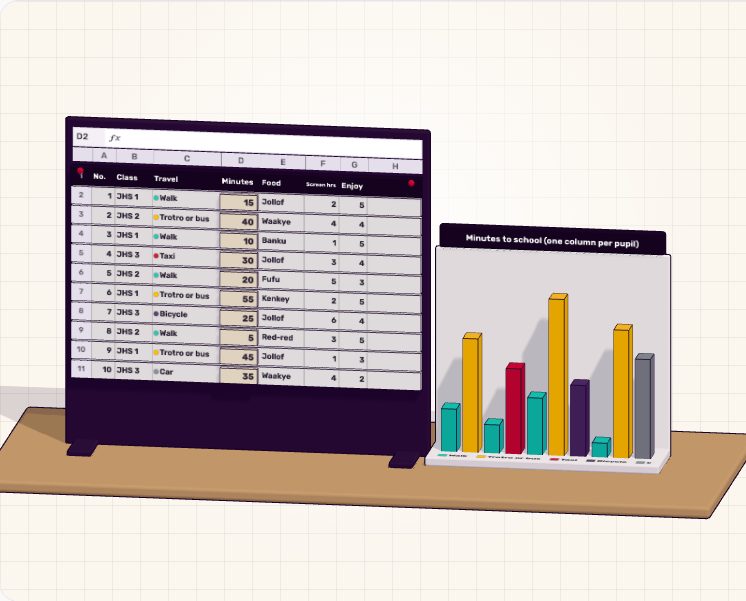
🧮 Data Sorter
Sort and filter a table of survey answers and use IF to label each row, while 3D columns rearrange themselves.
 Session 25
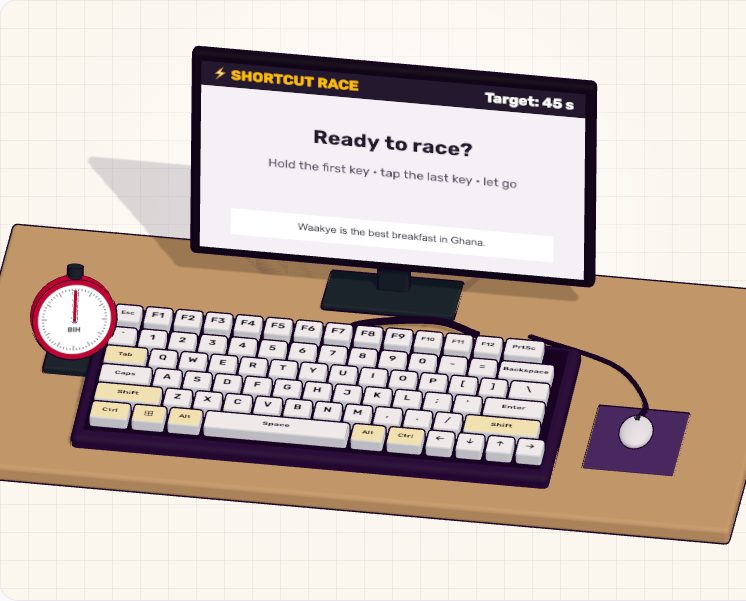
⚡ Shortcut Race
Race the clock with the most useful keyboard shortcuts: copy, paste, undo, find, switch windows and take screenshots.
 Session 27
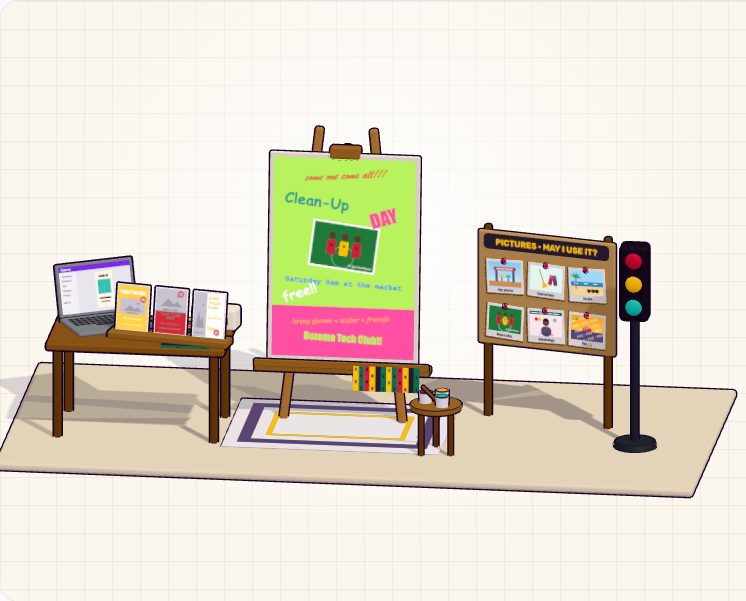
🎨 Poster Studio
Design a poster on a 3D easel: pick a template, fix the layout, choose fonts and colours that work, and use only pictures you may reuse.
 Session 28
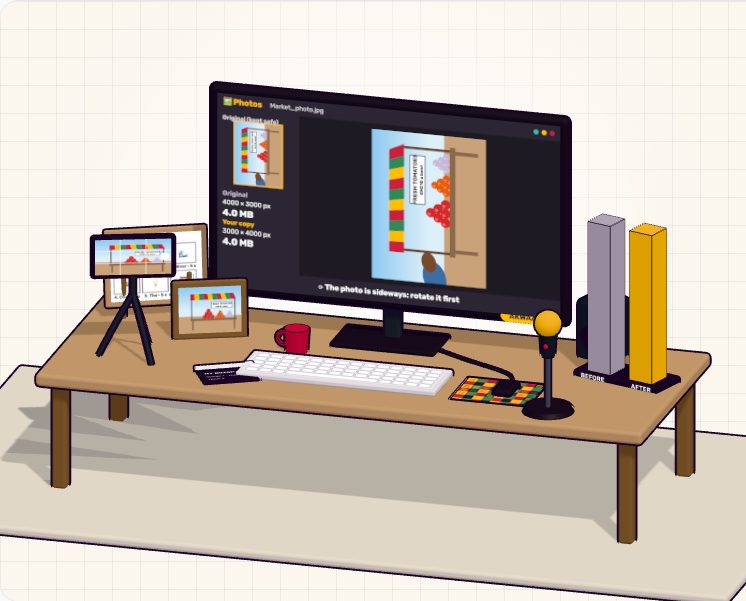
🎬 Media Studio
Crop and resize a photo, trim a voice note and cut a short video on a 3D editing desk, and see how file sizes change.
 Session 30 · Session 35
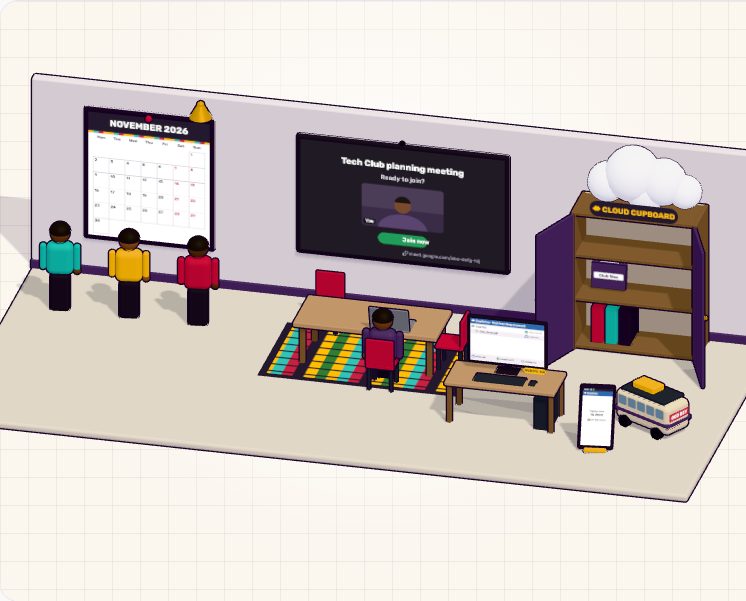
📅 Club Planner
Schedule a club meeting and invite members, run a mock video call, and move files into the cloud cupboard.
 Session 31
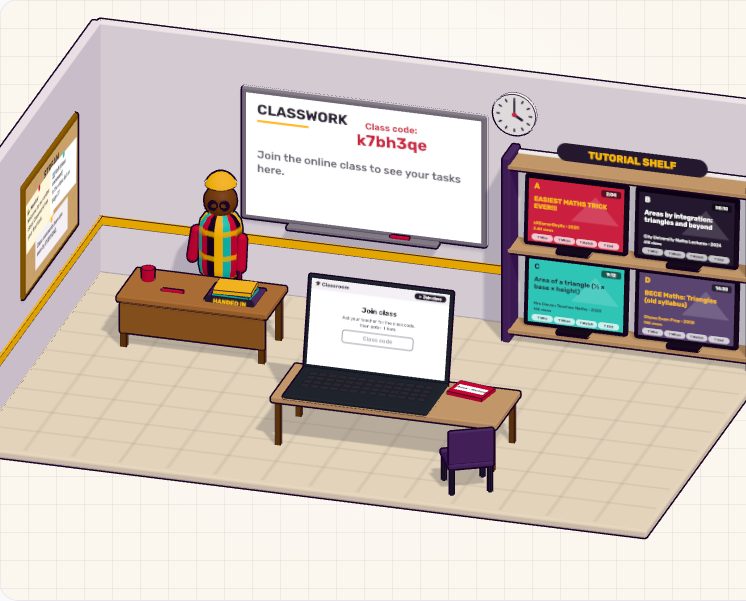
🏫 Online Classroom
Join a class, hand in an assignment, read the feedback and pick a good tutorial from a shelf of videos.
 Session 32
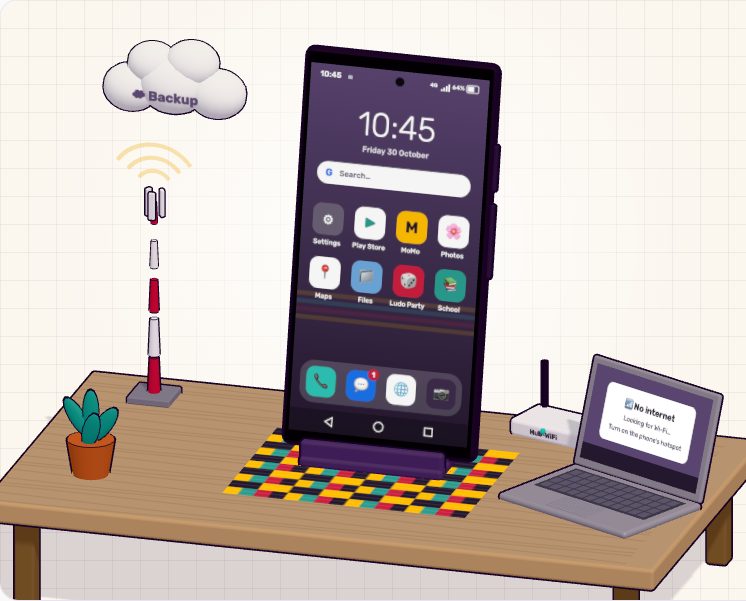
📱 Smartphone Explorer
A 3D Android phone: change settings, install an app safely, free up storage, turn on a hotspot and spot a Mobile Money scam.
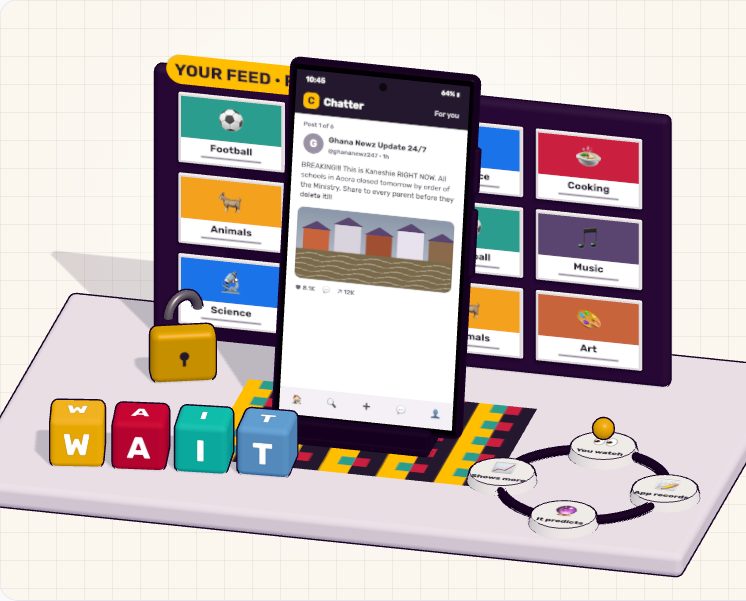 Session 34 · Session 35
📰 Feed Check
Scroll a pretend social media feed. Spot fake news, report bullying, fix privacy settings and see how the feed learns what you like.
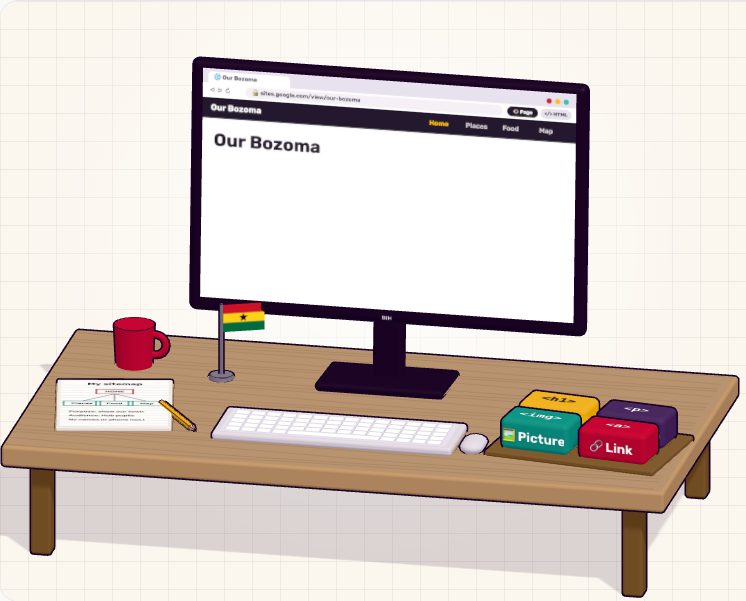 Session 38
🌐 Web Page Builder
Build a page about your community from blocks, then peek at the HTML behind it and change it.
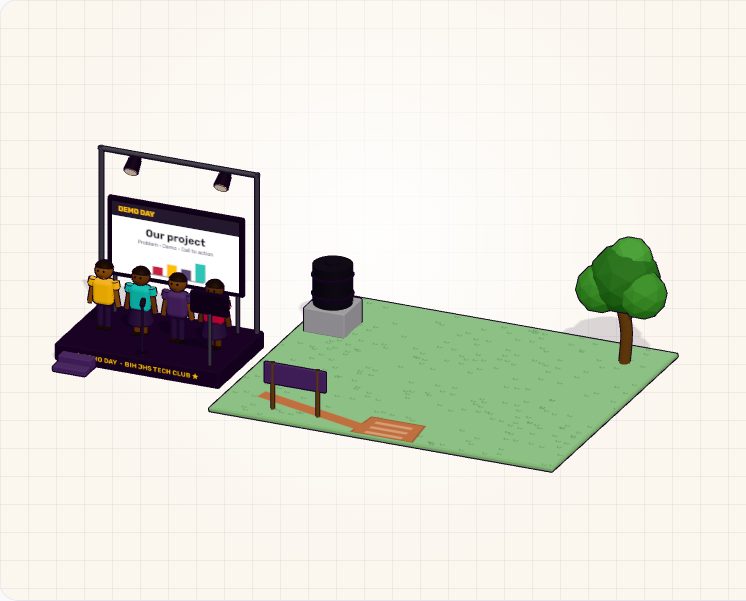 Session 42 · Session 43 · Session 44
🏠 Build the Whole House
Each capstone step builds part of a 3D house: charter, prototype, testing and polish. Then practise your timed 3-minute pitch on the Demo Day stage. Saved between sessions.